NPC Dialog
NPC Dialog is the underlying dialog system that powers interactive conversations
with NPCs on your Hytale server. Use it standalone or together with other Hyronix tools.
Overview
Overview
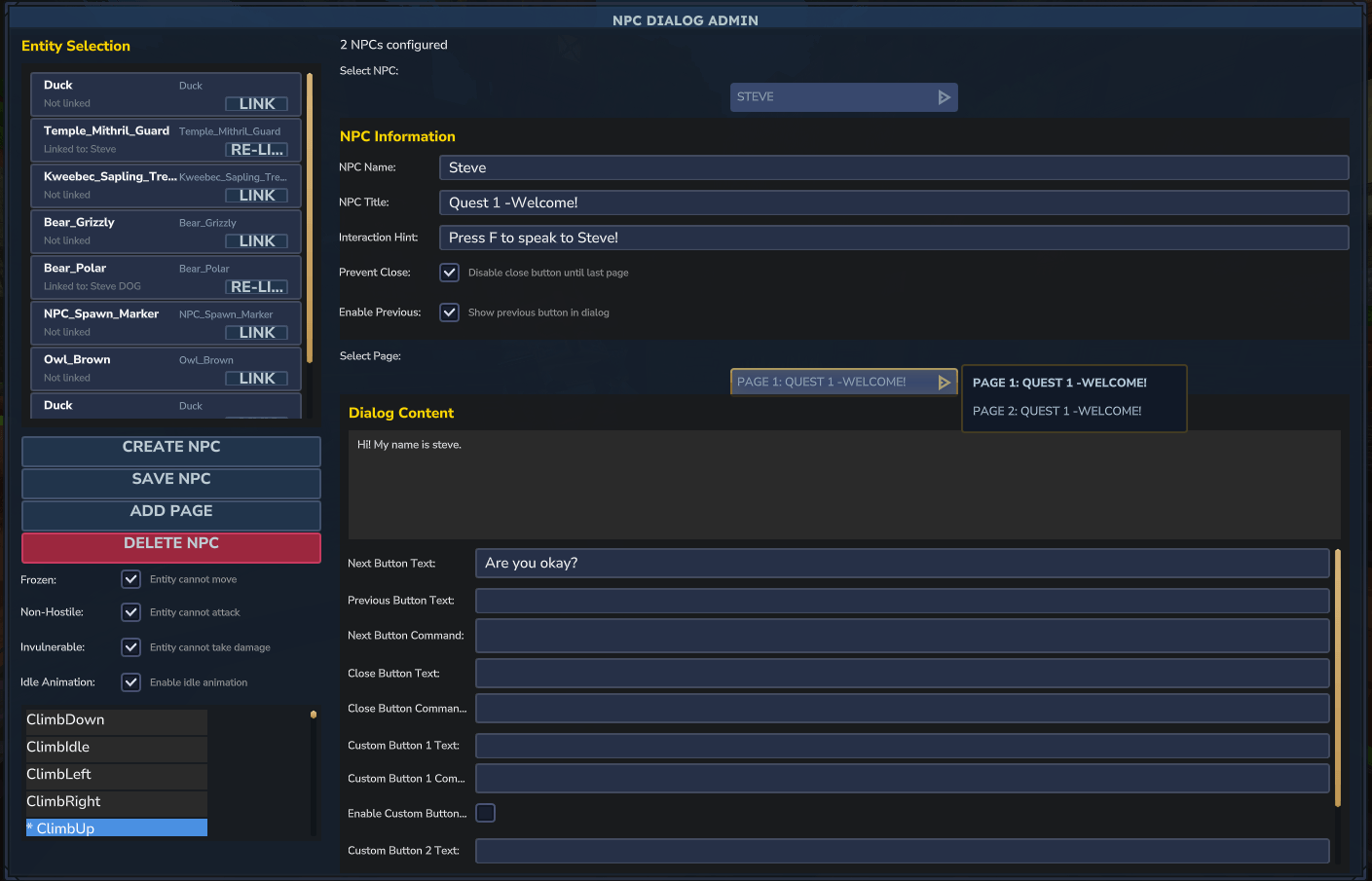
NPC Dialog is a powerful NPC conversation system for Hytale servers. It lets you link interactive, multi-page dialogs to any entity, with support for custom buttons, command execution, entity states (frozen, non-hostile, invulnerable) and optional interaction hints.
It is ideal for quest systems, story-driven servers, tutorials, help NPCs, server rule hubs and any scenario where entities need meaningful conversations with players.
Core functionality
- Link dialogs to any entity in your world.
- Toggle frozen, non-hostile and invulnerable states, plus idle animations.
- Multi-page dialogs with branching conversations and customizable button text.
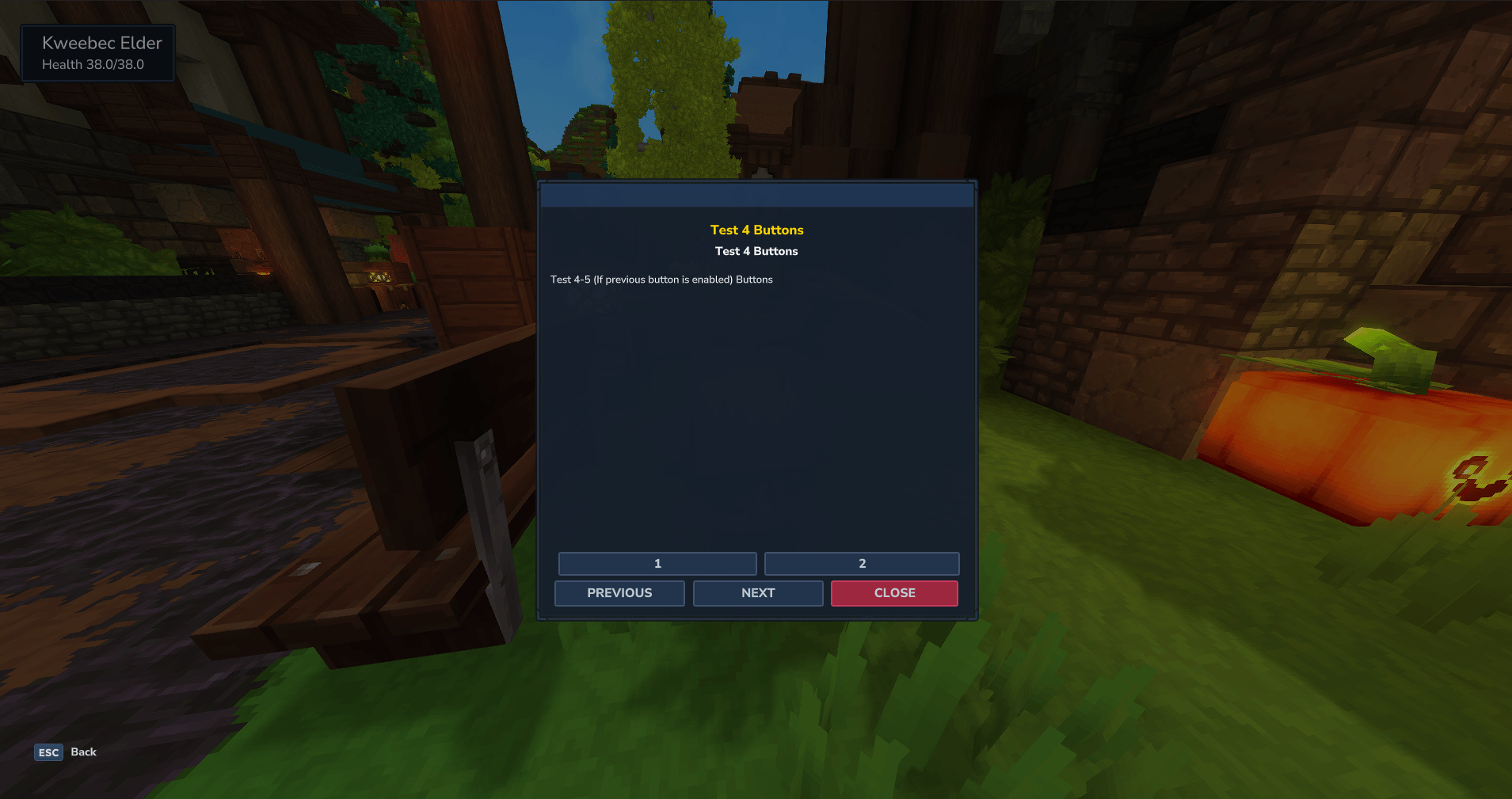
- Support for custom buttons above navigation (Custom Button 1 and 2).
- Persistent JSON storage and automatic restoration on restart.
Screenshots
Installation
- Place the NPC Dialog JAR in your server's plugins or mods folder.
- Restart the server to generate the data and configuration folders.
- Ensure your permissions plugin (for example LuckPerms) is configured if you plan to use advanced command mappings.
- Use
/npcdialogwith the appropriate permission to open the admin GUI and start creating NPCs.
Usage & Commands
Admin usage
- Run
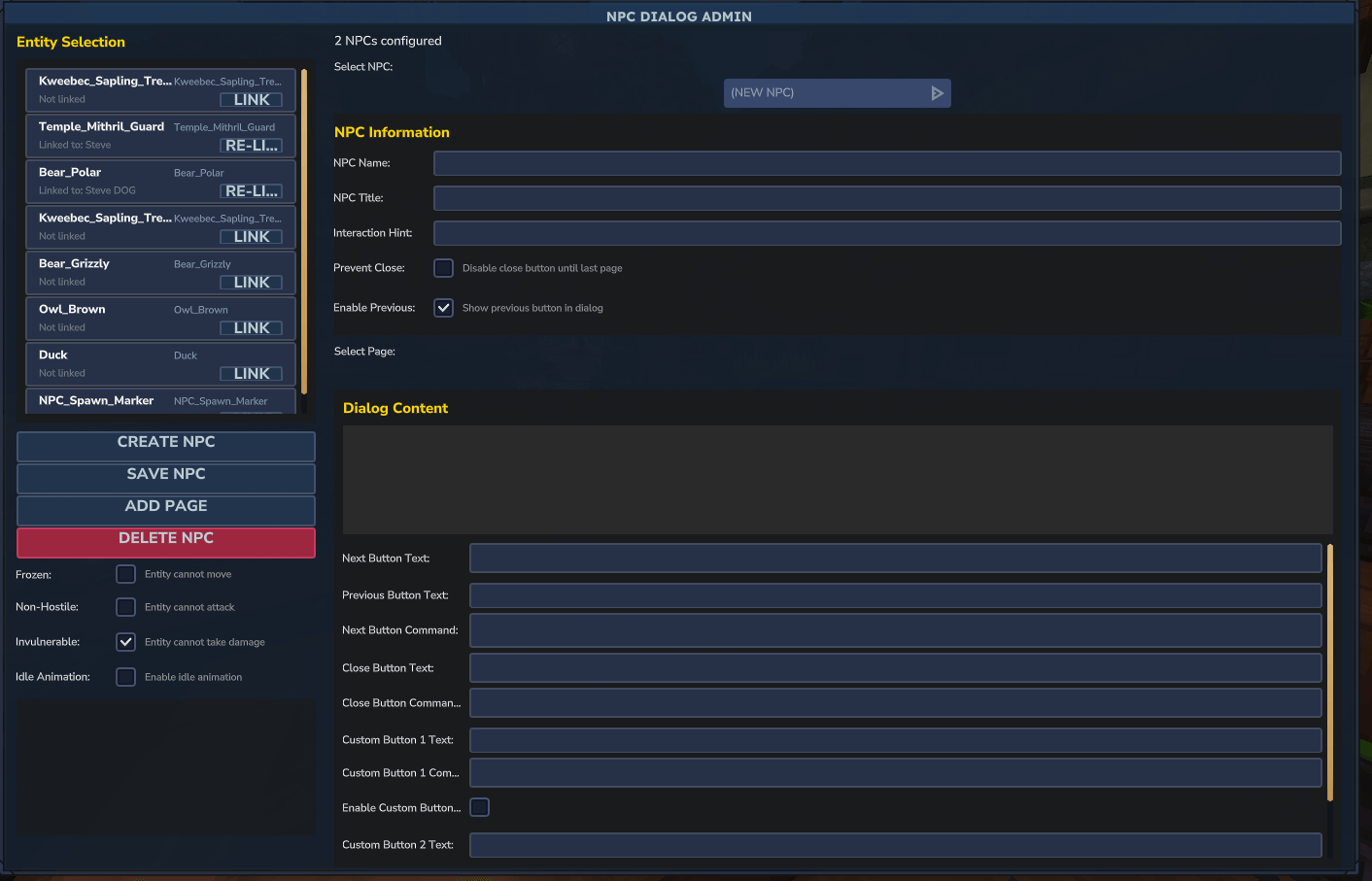
/npcdialog(permission:npcdialog.admin) to open the admin panel. - Create an NPC by entering a name, optional title and optional interaction hint, then click Create NPC.
- Add dialog pages with multi-line content and customize Next, Previous and Close button text.
- Optionally configure Custom Button 1 and Custom Button 2 text and commands per page.
- Link NPCs to entities by selecting them in the in-game list so players can press F to open dialogs.
- Use options such as Prevent Close Until Last Page, Show Previous Button and idle animation toggles to control flow.
Player experience
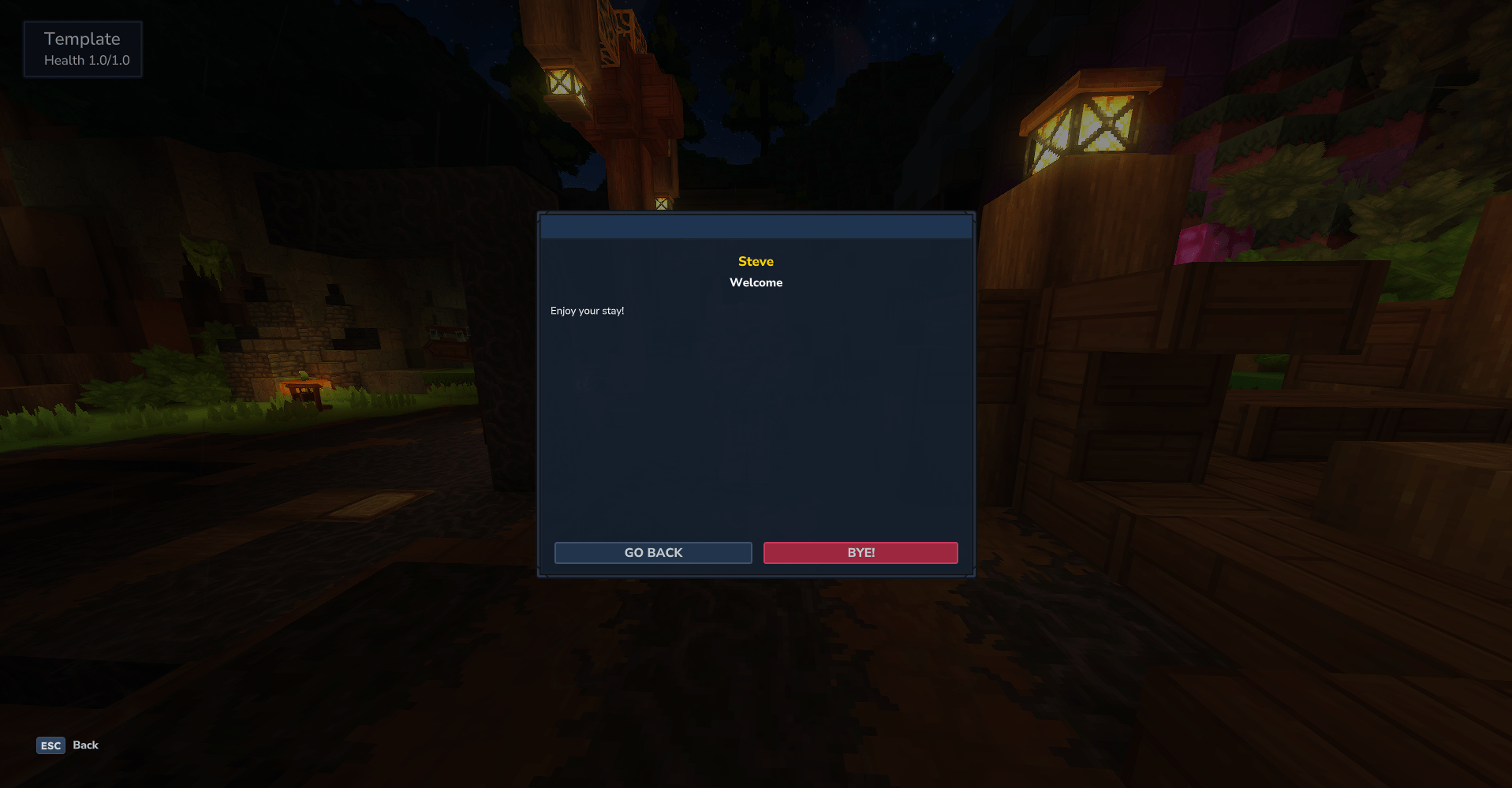
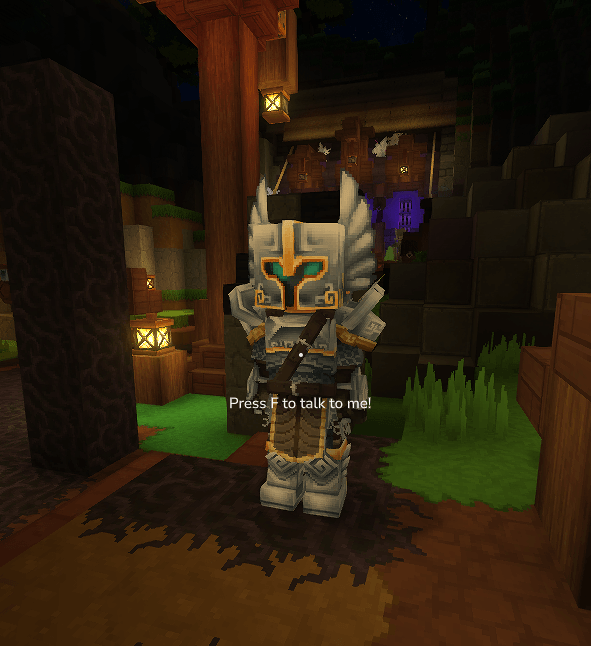
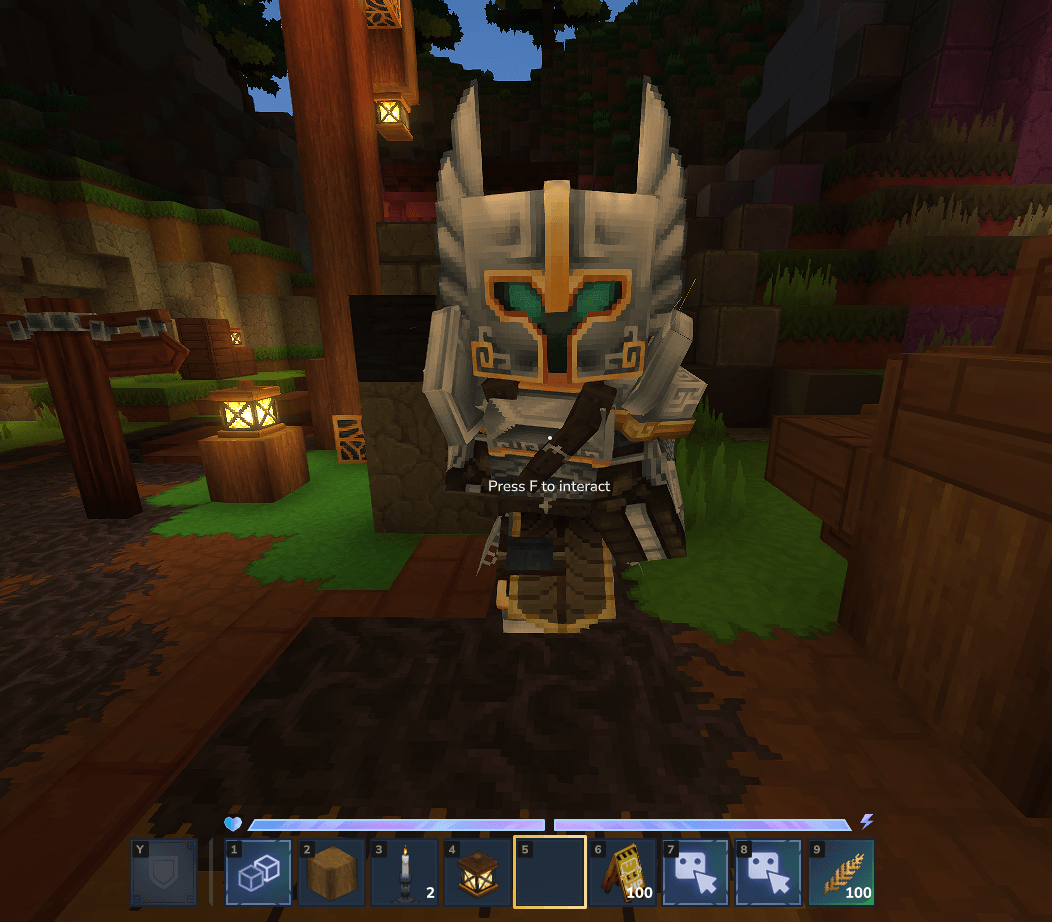
- Players look at a linked entity and press F to open the dialog UI.
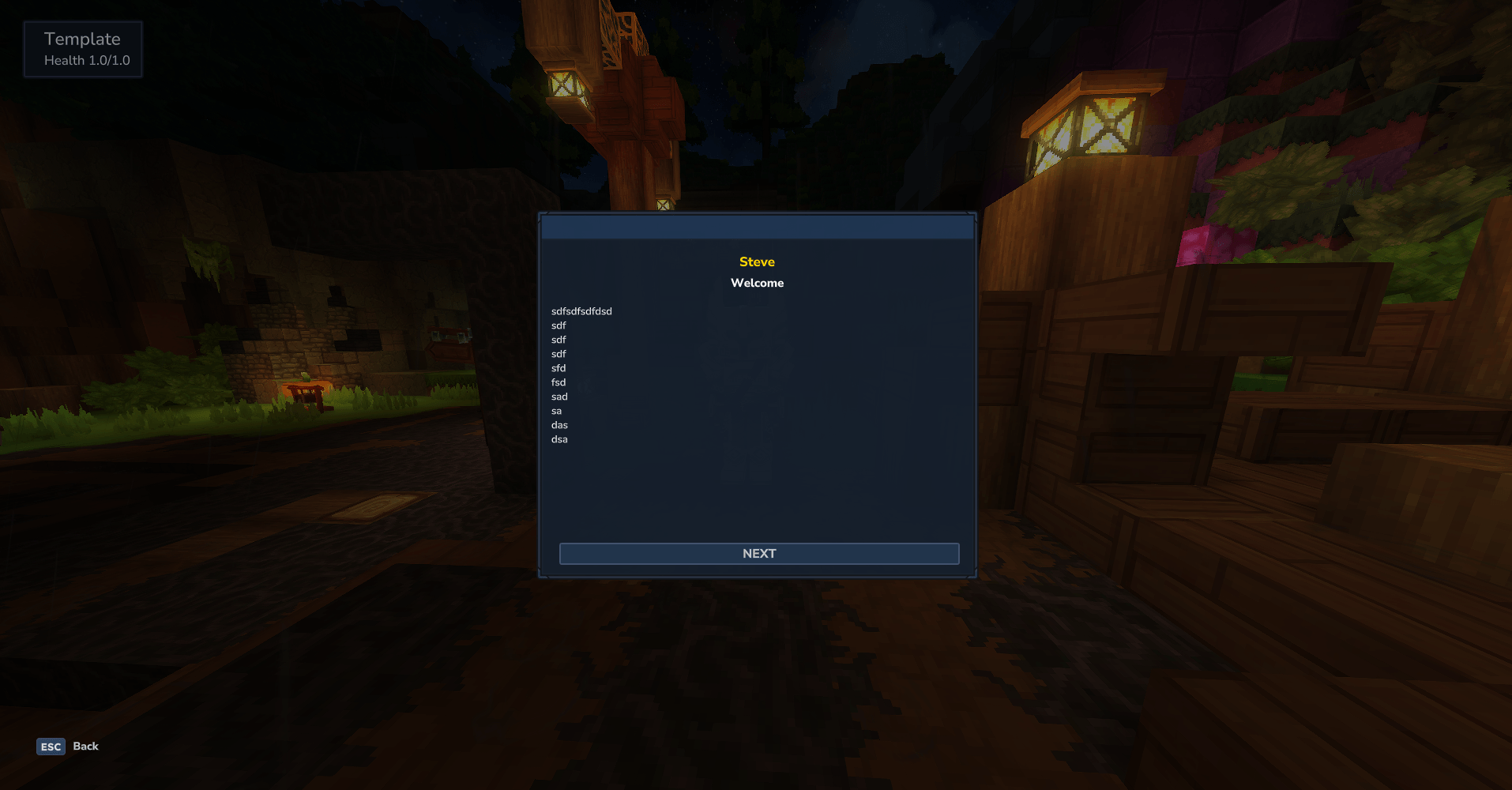
- The UI shows NPC name, title, multi-line dialog text and navigation buttons.
- Custom buttons can be used for actions like accepting quests, opening shops or teleporting.
Text formatting in dialogs
NPC Dialog supports markup for bold, italic, color, and monospace formatting in NPC name, dialog title, and dialog content. Use the following tags:
{b}– Start bold text{i}– Start italic text{m}– Start monospace text{#RRGGBB}or{#RGB}– Set text color (hex format){/}– End formatting
Example:
Hello {b}bold{/} and {#ff0000}red{/} text.This will display as: "Hello bold and red text."
Configuration
Configuration and data
NPC Dialog stores its data in JSON files (for example npcs/ for per-NPC definitions and
config.json for global options such as maximum pages and answers).
Advanced command behaviour is controlled via:
-
playerPermissionCommands.json– Maps player-executed commands to permission nodes. The plugin can temporarily grant permissions (for example via LuckPerms) when running those commands. -
consoleCommands.json– Lists commands that should always run as console, useful for powerful admin actions likegive,tp,killand others.