NPC Quests
NPC Quests Maker is an addon for NPC Dialog that turns conversations into fully fledged quests.
Attach requirements and rewards to dialog buttons, enforce prerequisites and build complex story chains.
Overview
Overview
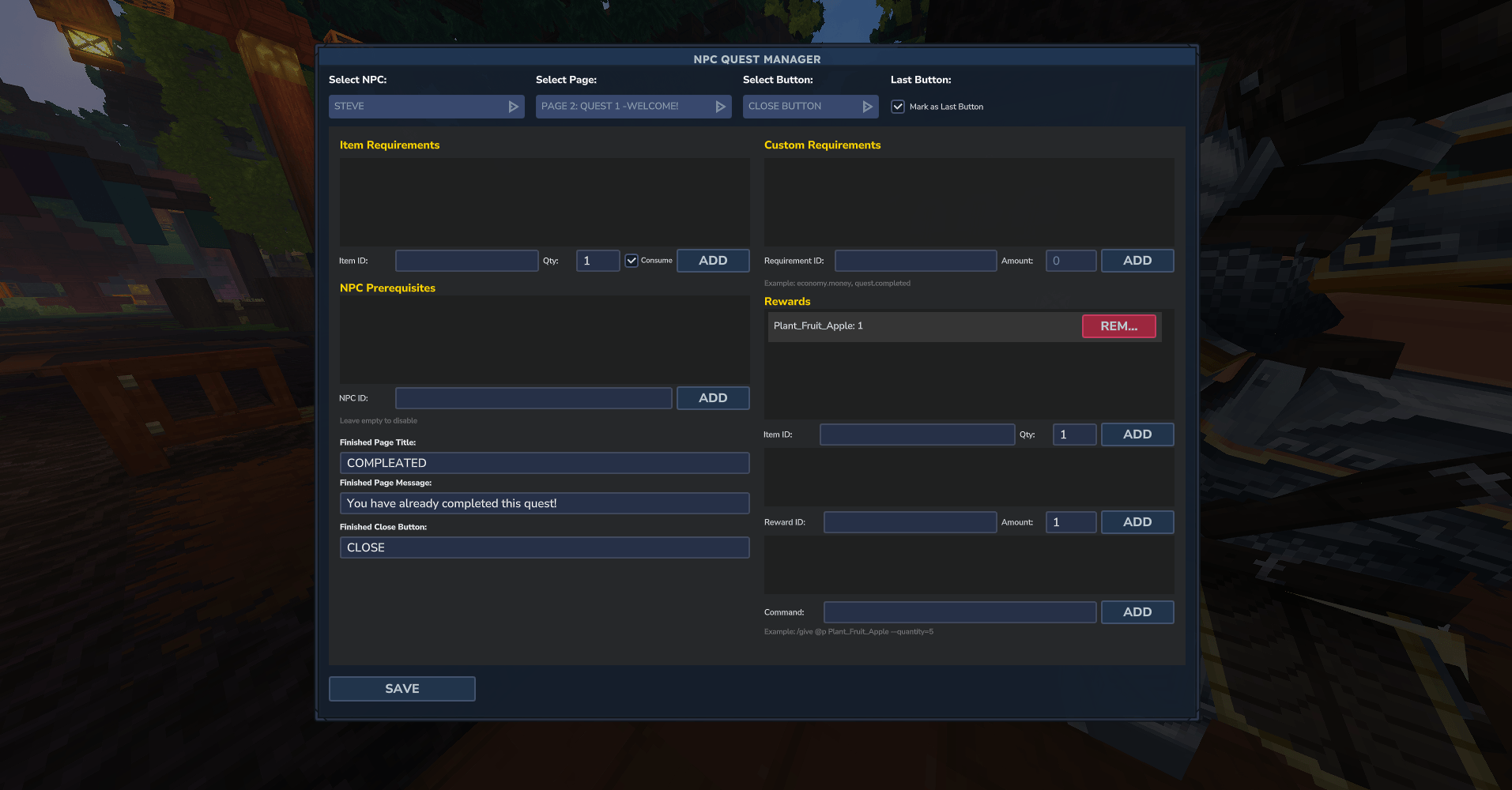
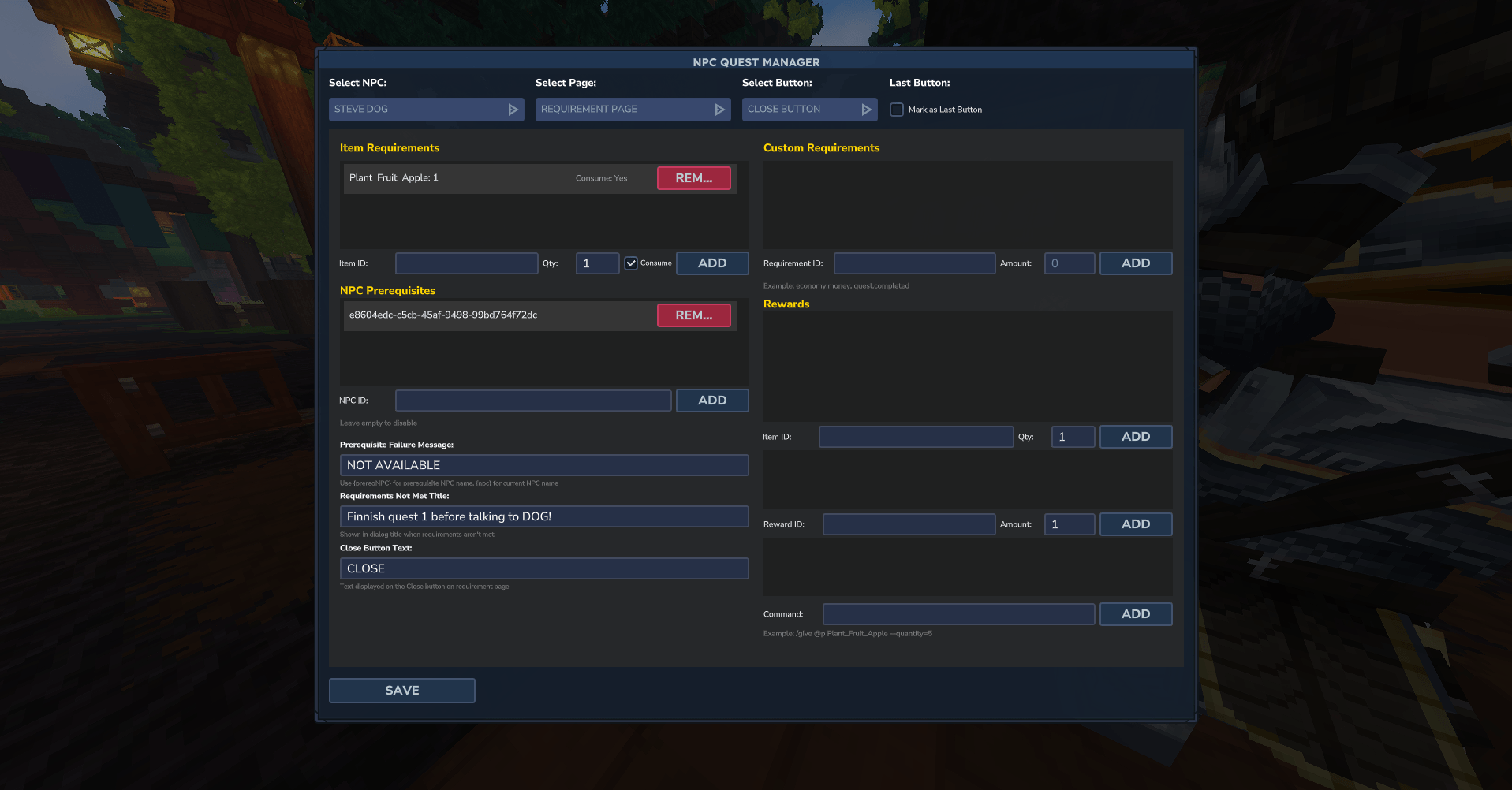
NPC Quests is an addon for the NPC Dialog plugin. It extends dialogs with a quest and requirement system so every button on every page can have item requirements, custom checks and rewards. The addon tracks player interactions to power sequential quest progression and branching storylines.
Key features
- Multiple Quest Support – Manage independent quests (e.g., "quest_a", "quest_b") per NPC.
- Quest Tree Progression – Gate dialog buttons behind the completion or activation of other quests.
- Item Requirements – Require specific items with optional consumption.
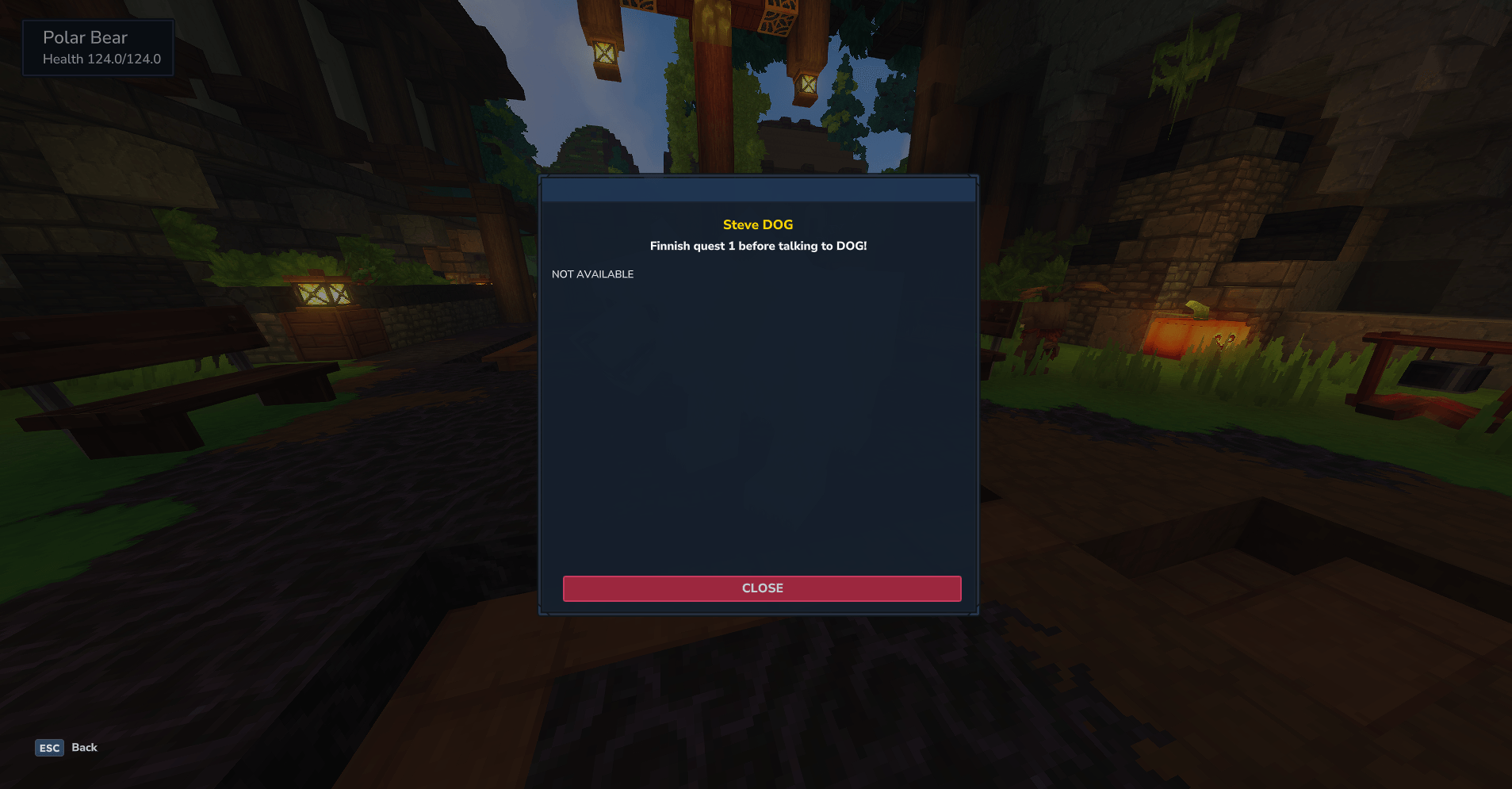
- NPC Prerequisites – Force players to talk to specific NPCs before unlocking new dialogs.
- Custom Rewards – Grant items, execute console commands, or trigger custom status changes.
- Automatic UI Cleanup – Formats requirement pages automatically to ensure clear player feedback.
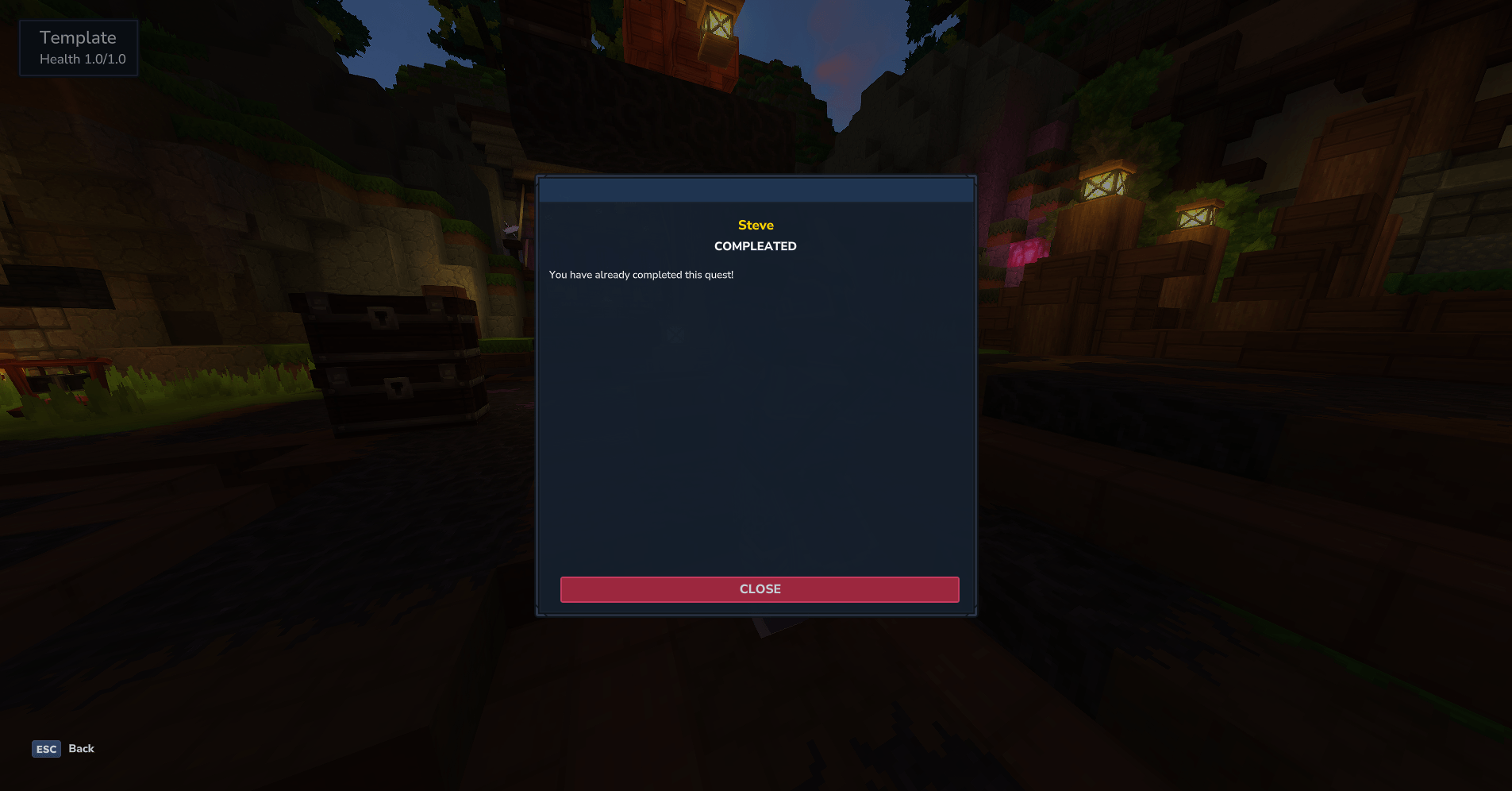
Screenshots
Installation
- Install and configure the NPC Dialog plugin first; make sure it is working correctly.
- Place the NPC Quests JAR file in your server's plugins or mods folder.
- Restart the server. The addon will automatically detect NPC Dialog and integrate with it.
- Use
/npcquestwith the appropriate permission to open the admin UI.
Usage & Commands
Quest System Full Guide
This guide explains how to use the quest system with NPC Dialog, specifically the quest: reward and requirement IDs.
Quick Start: How to Make a Quest
Follow these 3 easy steps to make a basic quest (e.g., quest_a):
- Start Button (Let them accept)
- Reward ID:
quest:start:quest_a - Requirement ID:
quest:status:quest_a:AVAILABLE - Result: Button only shows if they don't have it. Clicking it starts the quest.
- Reward ID:
- Finish Button (Let them complete)
- Reward ID:
quest:complete:quest_a - Requirement ID:
quest:active:quest_a - Result: Button only shows while they have the quest. Clicking it finishes it.
- Reward ID:
- Next Button (Let them proceed)
- Requirement ID:
quest:completed:quest_a - Result: Player CANNOT click "Next" until they finish the quest.
- Requirement ID:
Reward IDs (Actions)
quest:start:<id>– Starts the quest (sets status to ACTIVE). Does nothing if already ACTIVE or COMPLETED.quest:complete:<id>– Completes the quest (sets status to COMPLETED).quest:set_status:<id>:<status>– Manually set status (LOCKED, AVAILABLE, ACTIVE, COMPLETED).
Requirement IDs (Checks)
quest:active:<id>– Player must have the quest in ACTIVE status.quest:completed:<id>– Player must have the quest in COMPLETED status.quest:status:<id>:<status>– Player must have the specified status exactly.
Example: 4-Button Setup
Manage the entire flow of quest_a using 4 buttons:
- Accept Quest (Custom 1): Requirement
quest:status:quest_a:AVAILABLE, Rewardquest:start:quest_a. Only visible initially. - Complete Quest (Custom 2): Requirement
quest:active:quest_a, Rewardquest:complete:quest_a. Only appears while quest is active. - Next (Nav): Requirement
quest:completed:quest_a. Locked until completion. - Close (Nav): No requirements. Always available.
Tips
- Color Codes: You can use standard
&color codes in names, titles and contents. - Multiple Req: Combine quest requirements with items (e.g., 5 apples + quest active).
- Performance: Quests are processed locally on the player entity for maximum speed.
Configuration
Configuration
NPC Quests stores its addon-specific data in a Hyronix_NPC Quests folder:
interactionHistory.json– Tracks player interactions and completion state for quests.
The system integrates seamlessly with NPC Dialog. You can use standard & color codes in dialog titles, content, and prerequisite messages.