PersonalLock
PersonalLock lets players secure their valuables on shared servers.
Lock containers to individual players or groups and prevent griefing or theft.
Overview
Overview
PersonalLock is a comprehensive locking system for Hytale servers. It lets players secure chests, doors, trapdoors, gates and fence gates with named locks, owner control and fine-grained access.
It is designed for survival, SMP, towny and roleplay servers where players need simple but robust protection for their storage and bases without complex region plugins.
Core features
- Lock chests, doors, trapdoors, gates and fence gates.
- Named locks for easy identification (for example "My Storage", "Front Door").
- Owner system with allowed players and admin bypass.
- Automatic double chest detection and merging under one lock.
- JSON-backed persistent storage with cross-world support.
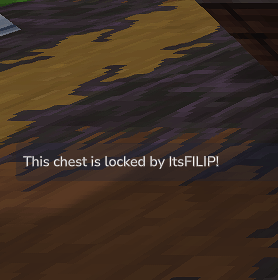
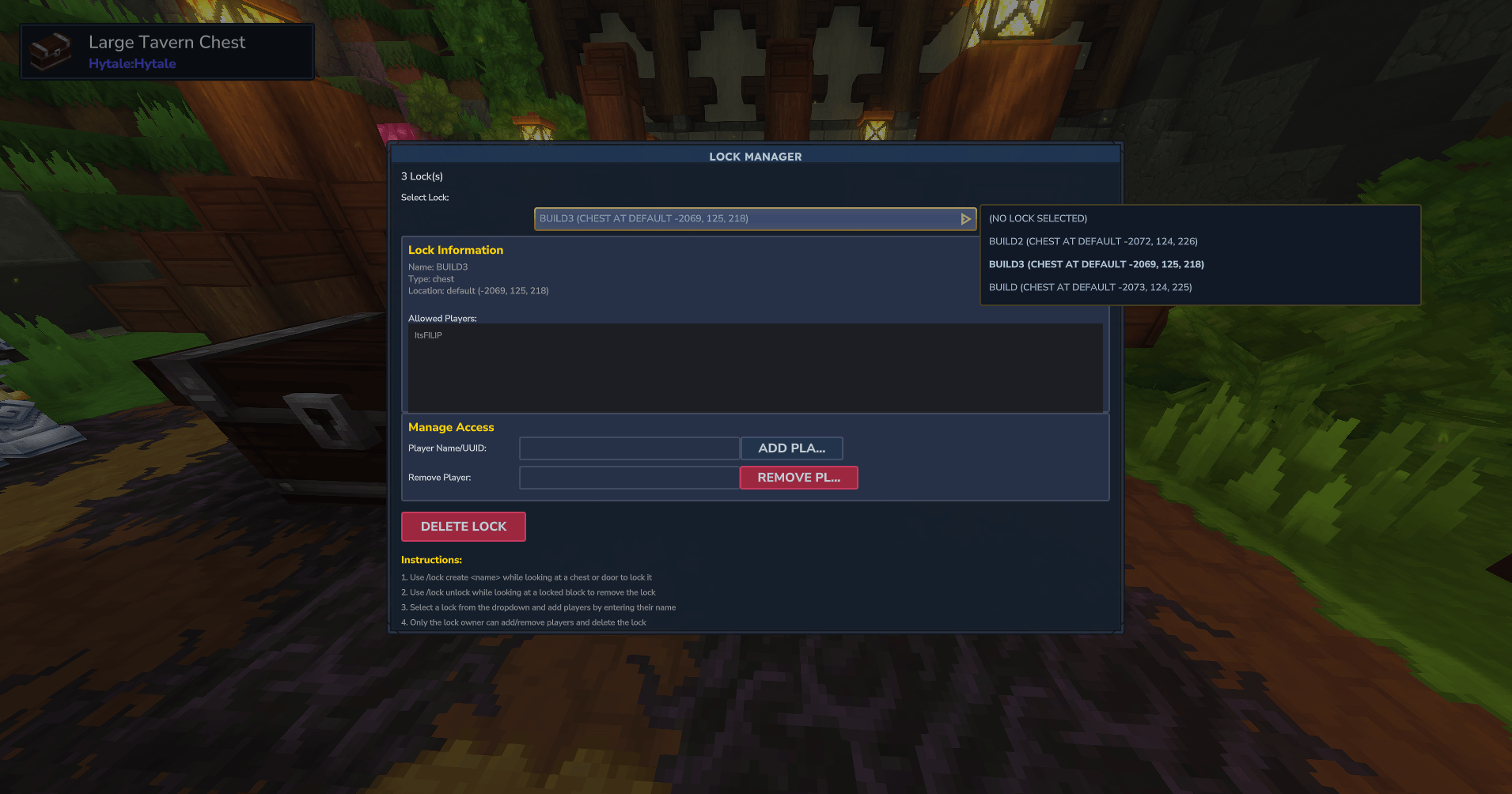
Screenshots
Installation
- Place the PersonalLock JAR file in your server's plugins or mods folder.
- Restart the server to generate configuration and data files.
- No extra dependencies are required beyond a Hytale server and Java 21+.
Usage & Commands
Player commands
-
/lock– Open the lock management GUI to view, rename and manage your locks.
Permission: none (players manage their own locks). -
/lock create <name>– Lock the block you are looking at with a custom name.
Permission: none. -
/lock unlockor/lock remove– Unlock the block you are looking at (must be the owner).
Permission: none.
Admin command
-
/lock adminor/lock bypass– Toggle admin bypass, allowing access to and breaking of any locked block.
Permission:personallock.admin.
Typical workflows
- Creating a lock: look at a chest or door, run
/lock create My Storage; the block is now locked to you. - Managing locks: run
/lock, select a lock, then add allowed players, rename or delete it. - Double chests: lock one chest, then place the second half yourself; PersonalLock merges them under one lock.
Configuration
Behaviour and protection
- Non-owners cannot open locked blocks or break them and their supporting blocks.
- Placement protection prevents others from placing chests next to your locked chests to create unsafe doubles.
- Support-block protection and cascade deletion ensure locks are removed cleanly when supports are broken by the owner.
- Cross-player protection prevents mismatched double chests where halves are owned by different players.
All lock data is stored in JSON and persists across restarts. Advanced servers can safely back up or inspect these files to audit ownership and diagnose issues.